
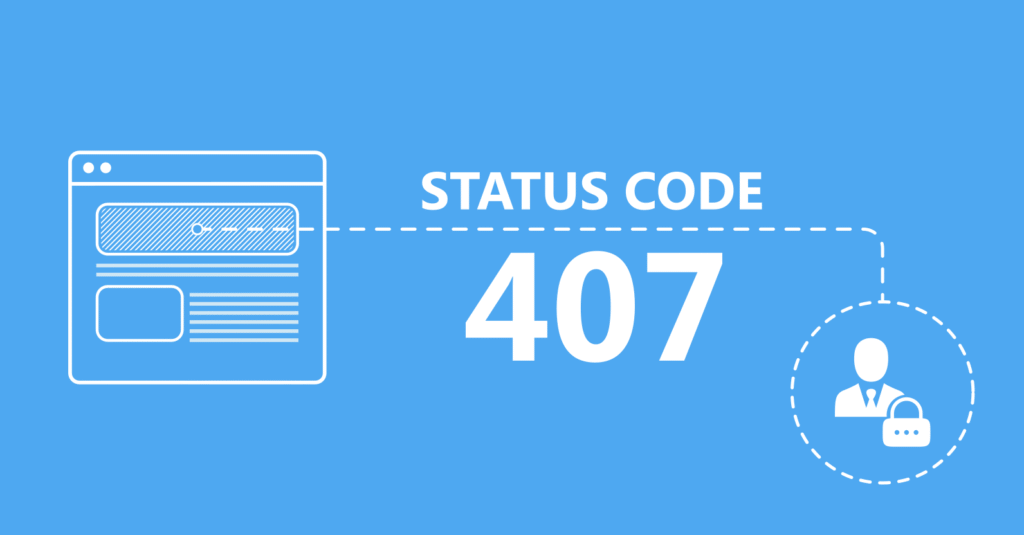
HTTP Error 407 appears when a client tries to access a web server through a proxy but fails to provide valid authentication details. Unlike error 401, this status code involves a proxy server that blocks access until proper credentials are sent. As a result, browsing or software requests stop loading.
Why Does HTTP Error 407 Happen
Several factors trigger this error. First, incorrect proxy settings stop communication between the device and server. Additionally, expired or missing login credentials also block access. Sometimes, security software or network policies restrict proxy access. Therefore, understanding the root cause helps in resolving it quickly.
How HTTP Error 407 Affects Users and Businesses
This error disrupts browsing, software updates, API calls, and download requests. It also affects online tools that rely on proxy authorization. Consequently, business operations face delays. When applications cannot connect to servers, productivity drops. Therefore, fixing this issue becomes important to restore smooth communication.
Common Causes of HTTP Error 407
1. Incorrect Proxy Configuration
Often, users forget to enter correct proxy addresses or port numbers in their browser or system settings. As a result, requests are denied by the server. When the configuration does not match the network proxy, the connection remains blocked.
2. Invalid or Missing Credentials
Proxy servers use usernames and passwords to verify identity. However, if the login details are wrong or not saved properly, the server sends back HTTP Error 407. Therefore, always double-check the entered credentials.
3. Expired Authentication Tokens
Many corporate networks use time-based tokens for security. Eventually, these tokens expire. After expiration, the server no longer recognizes the device. Consequently, authentication must be repeated to restore access.
4. Firewall or Security Restrictions
Sometimes firewalls restrict access to proxy servers. This security measure prevents unauthorized connections. However, it may also trigger HTTP Error 407 when settings interfere with authentication. Therefore, checking firewall rules becomes necessary.
How to Fix HTTP Error 407 Quickly
Check Proxy Settings First
Start by opening your browser or system network settings. Then verify the proxy address, port, username, and password. Ensure there are no typing mistakes. After saving changes, reload the page to test the connection.
Update or Re-enter Proxy Login Credentials
If the error continues, enter the correct authentication details again. Some devices forget saved passwords after updates. Therefore, re-entering fresh credentials often solves the issue.
Disable Proxy Temporarily for Testing
To confirm the problem lies with the proxy, disable it temporarily. After disabling, reload the website. If it loads properly, the proxy settings or credentials are the main cause.
Adjust Firewall or Antivirus Settings
Security software sometimes blocks proxy communication. Therefore, open your firewall or antivirus settings and allow proxy connections. After allowing access, test the internet connection again.
Advanced Solutions for HTTP Error 407
Use Environment Variables for API Tools
Developers often face this error while using API tools like cURL or Postman. Setting proxy variables such as HTTP_PROXY, HTTPS_PROXY, and authentication strings helps bypass the issue. These variables allow tools to send proper credentials.
Enable “Auto-detect Proxy” in Browsers
Most browsers have an automatic proxy detection feature. Therefore, enabling it helps identify correct proxy details. This feature reduces manual errors and speeds up connection.
Reset Network Settings
Sometimes system-level network data becomes corrupted. Resetting the network restores default configurations. After resetting, re-enter proxy details to establish a clean connection.
Contact Network Administrator
If you’re using a company or school network, the IT team manages proxy settings. They can provide valid credentials or update expired tokens. Therefore, contacting them helps when personal fixes fail.
How to Prevent HTTP Error 407 in Future
Save Secure and Updated Credentials
Always store credentials securely and update them when passwords change. This prevents sudden access denial. Regular credential maintenance avoids repeated 407 errors.
Keep Network Policies Updated
Network administrators should update proxy rules and authentication systems. Outdated policies often lead to errors. Therefore, regular review of proxy permissions ensures smooth traffic flow.
Monitor Proxy Server Performance
Low server performance or misconfiguration may trigger authentication problems. Monitoring server logs helps detect issues early. Consequently, network administrators can fix them before users face interruptions.
Use Reliable Proxy Software and Devices
Cheap or outdated proxy tools often cause stability problems. Instead, using trusted software improves connection security and speed. Therefore, always choose reliable proxy solutions
Conclusion
HTTP Error 407 may look frustrating, but fixing it becomes simple when you understand its cause. By checking proxy settings, entering correct credentials, and adjusting network tools, you can restore access fast. Therefore, take action now and prevent future disruptions. Stay secure, stay connected.
FAQs
1. What does HTTP Error 407 mean?
It means the proxy server needs authentication before allowing access to the requested web page or resource.
2. How is Error 407 different from Error 401?
Error 401 refers to server authentication failure, while Error 407 involves a proxy server that blocks access until credentials are provided.
3. Can I bypass HTTP Error 407 without a proxy?
Yes. By disabling the proxy setting temporarily, you can access the internet directly if no authentication is needed.
4. Why does my browser keep showing HTTP Error 407?
Incorrect proxy settings, expired passwords, or blocked firewall connections often cause repeated errors in your browser.
5. How do I fix HTTP Error 407 on Windows or Mac?
Open network settings, verify proxy credentials, disable proxy for testing, and adjust firewall rules if required.